
Age-restricted vending. Age verification that sells.
Customers verify their age right at the SENVEND Payment Terminal using what they already have with them, then pay in the same seamless process. No staff required on site; most methods need no additional hardware.
- Legally compliant
- User-friendly
- Boosts sales
For you as an operator
More revenue
Traditional ID readers have high error and abandonment rates. More ways to prove age mean more completed purchases.
Just the terminal
Most methods work with the SENVEND Payment Terminal alone. An additional scanner is only required for the document scanner methods.
Fraud-proof
Masks, photos and videos are detected, and approval is denied.
Privacy-compliant
No customer data is stored, and processing runs on European servers.
For your customers
Proof of age without ID
Customers can verify their age without an ID using a face scan, hand scan, Girocard, Bankomatkarte or PayPal.
All in one flow
Verify age and pay at the same terminal, with clear instructions on the display.
Age Verification
More methods. More ways to buy.
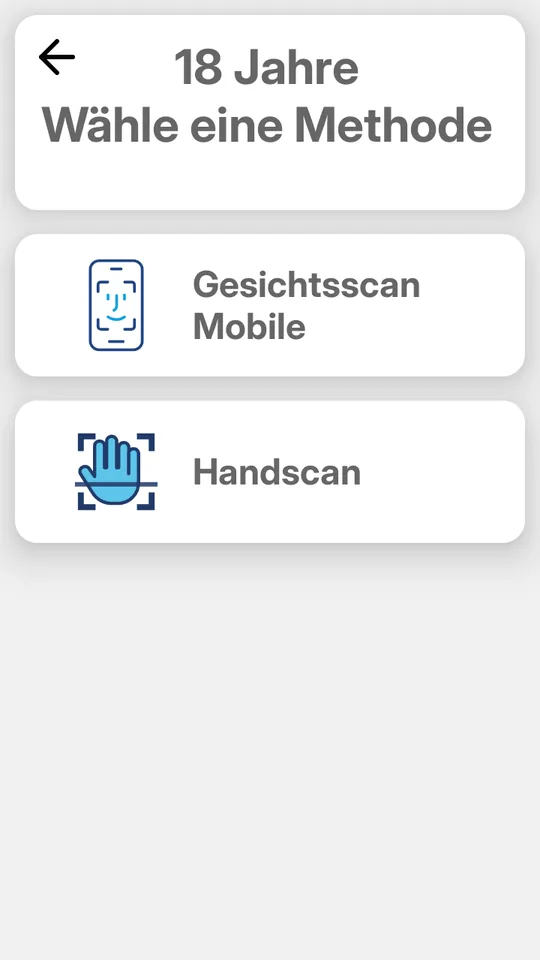
Every check starts the same way: customers select an age-restricted product, then the terminal displays the methods available at that machine. The more options there are, the fewer purchases are abandoned. Choose a method to see how it works.
Terminal only
- Face scanJust show your face: an AI estimates the age via the camera on the terminal. Masks, photos and videos are detected.
- Hand scanBiometric age verification via hand scan right at the terminal – no ID document or card needed.
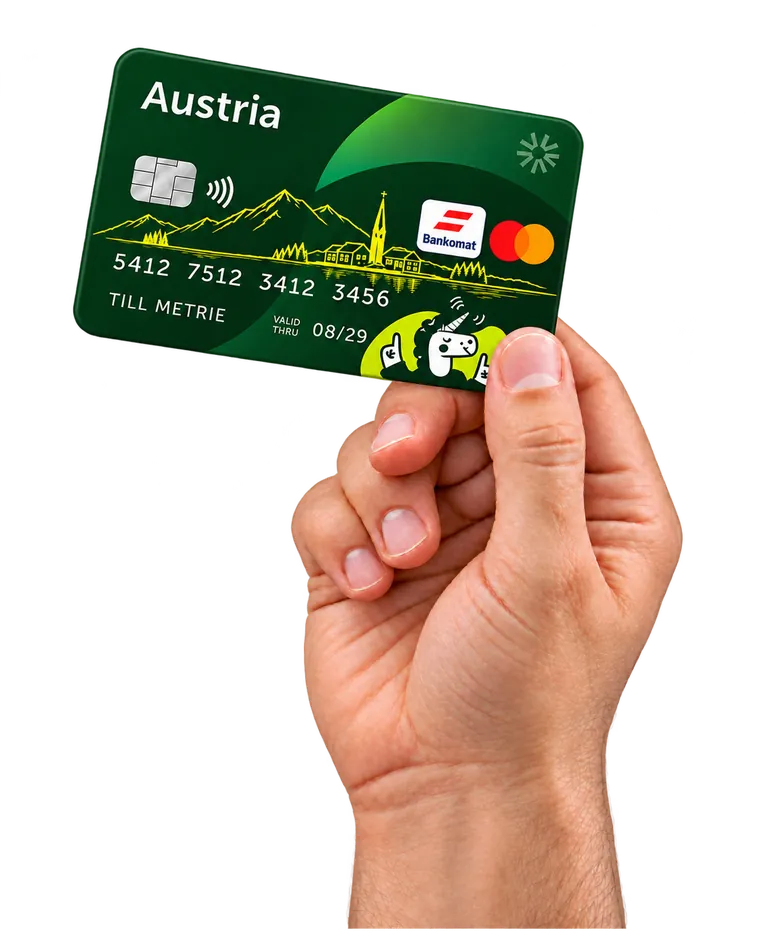
- GirocardVia the German Girocard system: hold the card in front of the terminal and the age is verified in seconds.
- BankomatkarteThe standard at vending machines in Austria: verification uses the Austrian Bankomatkarte system, in seconds.
Terminal + smartphone
- Document scanScan the QR code and record a video of your ID using your smartphone camera. Almost any ID document in the world is recognized.
- PayPalScan the QR code on the terminal and confirm the age in the PayPal app, with PIN or Face ID.
- ID AustriaAustria’s digital ID: scan the QR code on the terminal and confirm the age in the ID Austria app.
- Face scan mobileCustomers complete the face scan on their own smartphone – no ID and no card needed.
Terminal + document scanner
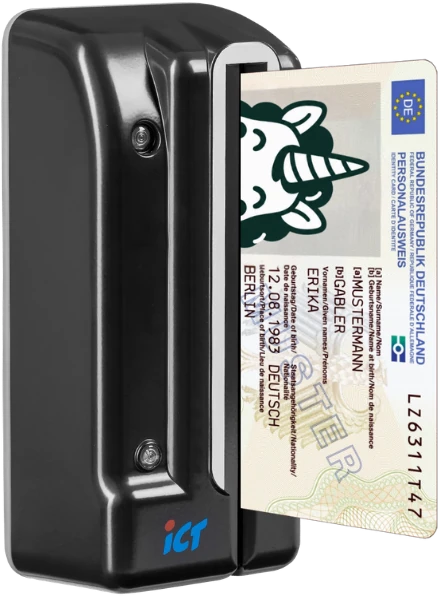
- Document scannerPlace the ID on our document scanner at the vending machine. The terminal shows a video explaining how.
- Face matchScan the ID – old enough? The terminal matches the face against the ID photo. If everything checks out, the purchase can proceed.
- DCM5 instructionsFor the DCM5 document reader: the terminal plays the explainer video to guide customers through the process.
Face scan. Your face is enough.
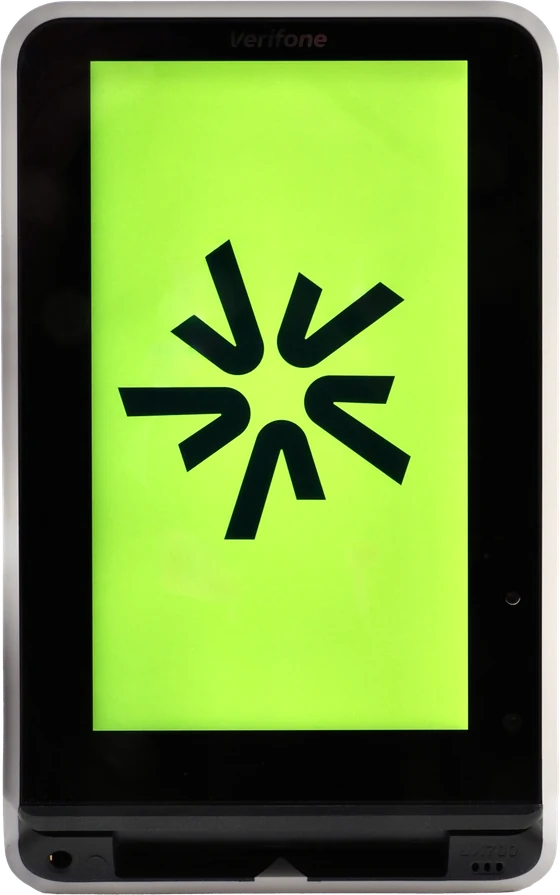
AI estimates the customer’s age using the camera built into the SENVEND Payment Terminal. Masks, photos and videos are detected, and no ID or card is needed.
The customer selects the face scan option on the terminal.
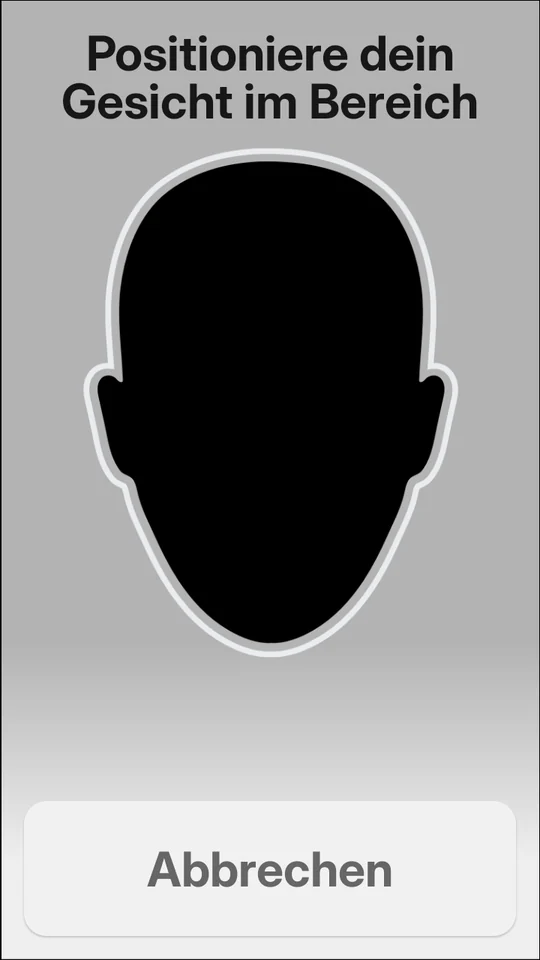
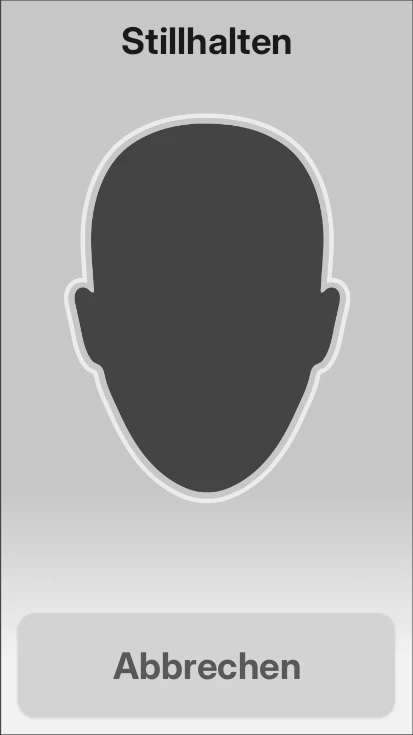
A quick look into the camera is enough. A frame shows where the face should be.
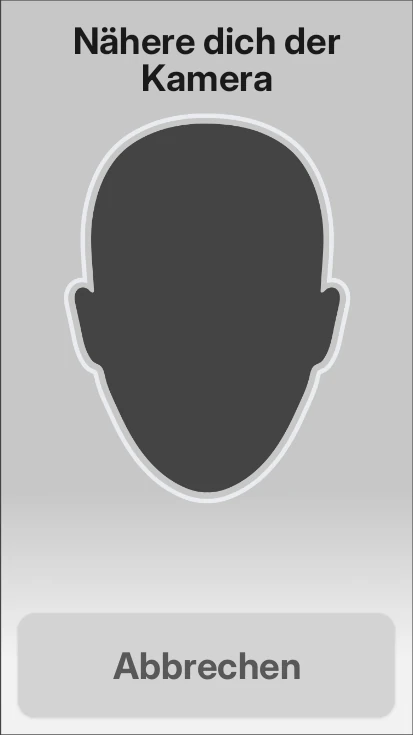
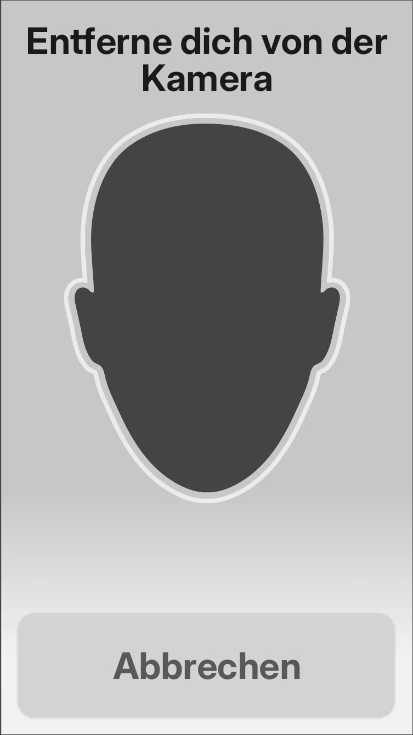
If the customer is too close or too far away, the terminal tells them to move closer or step back. It also gives short tips in other cases, for example when there isn’t enough light.
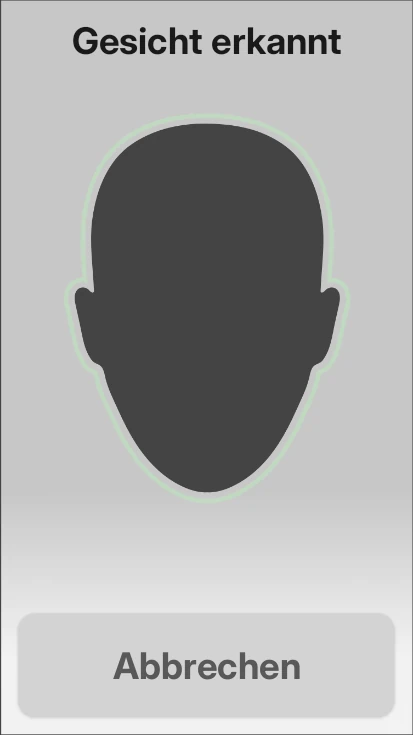
The customer holds still briefly until the face is recognized. Then the verification is complete.
Age verification is successful, and the terminal confirms it to the customer right on the display.
Now the customer pays at the same terminal, and the machine dispenses the product.
Video: Face scan on the SENVEND Payment TerminalClicking loads the video from YouTube.

Hand scan. A gesture is enough.
Technology by
Biometric age verification via hand scan right at the terminal – no ID document or card needed.
The customer selects the hand scan option on the terminal.
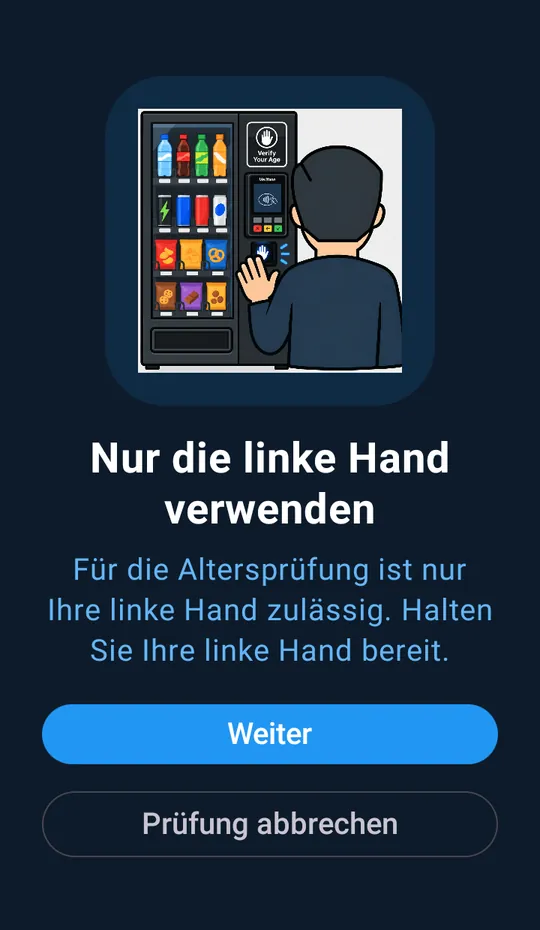
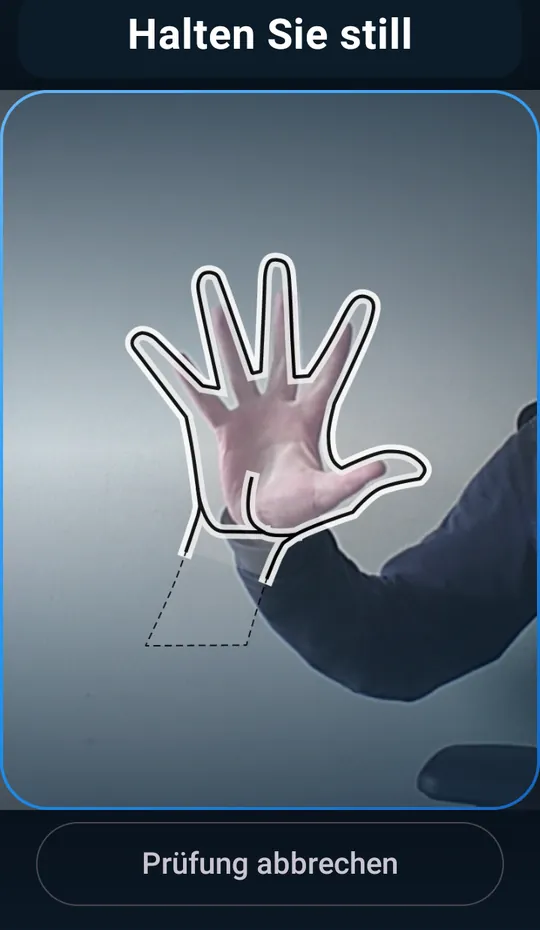
Only the left hand can be used for the hand scan. The terminal shows this upfront with a short graphic.
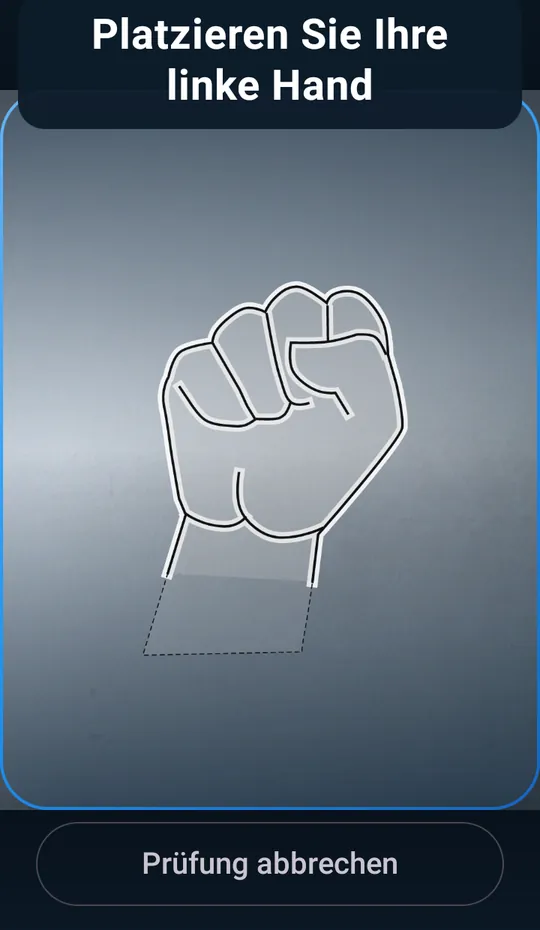
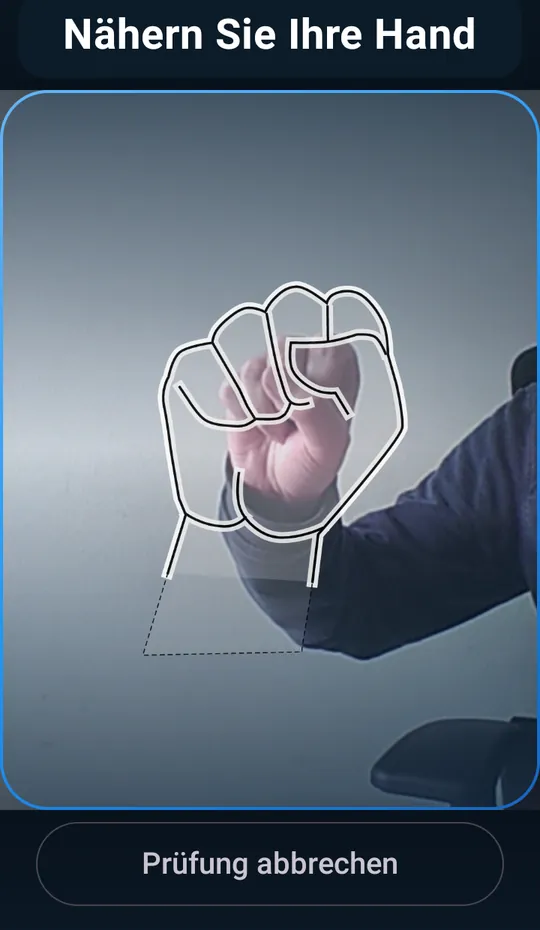
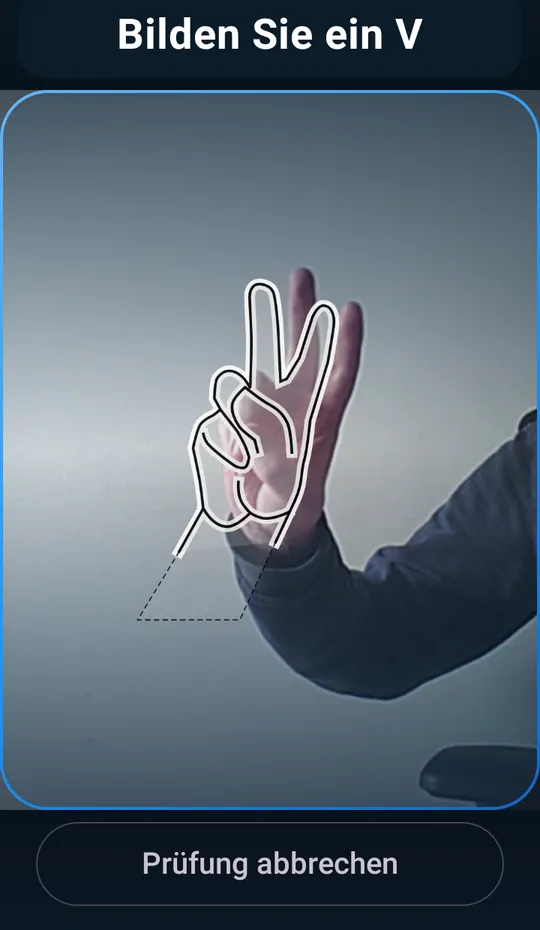
The customer holds their fist in the marked area in front of the camera. An outline shows where the hand should be.
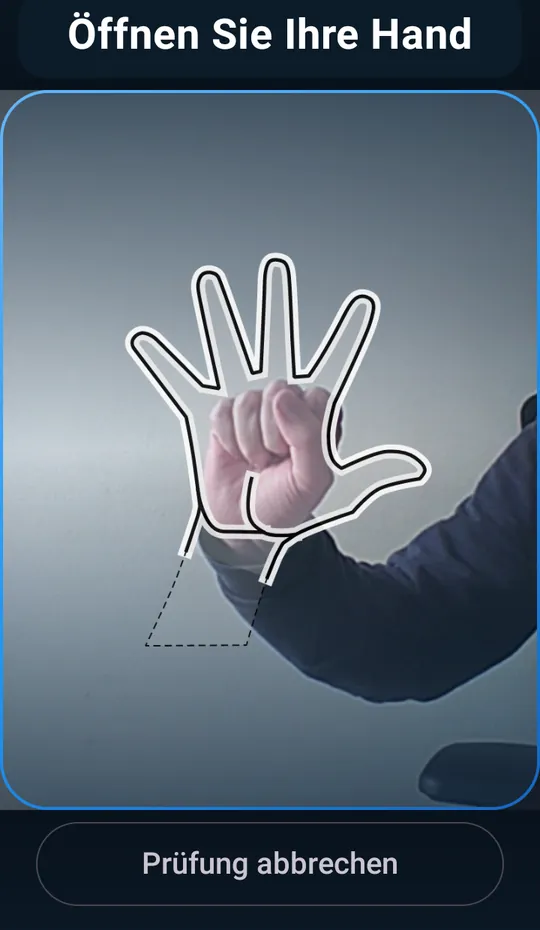
Open your hand, hold still, then make a V sign. The terminal guides the customer through each gesture. If no left hand is detected, it asks whether to continue the verification.
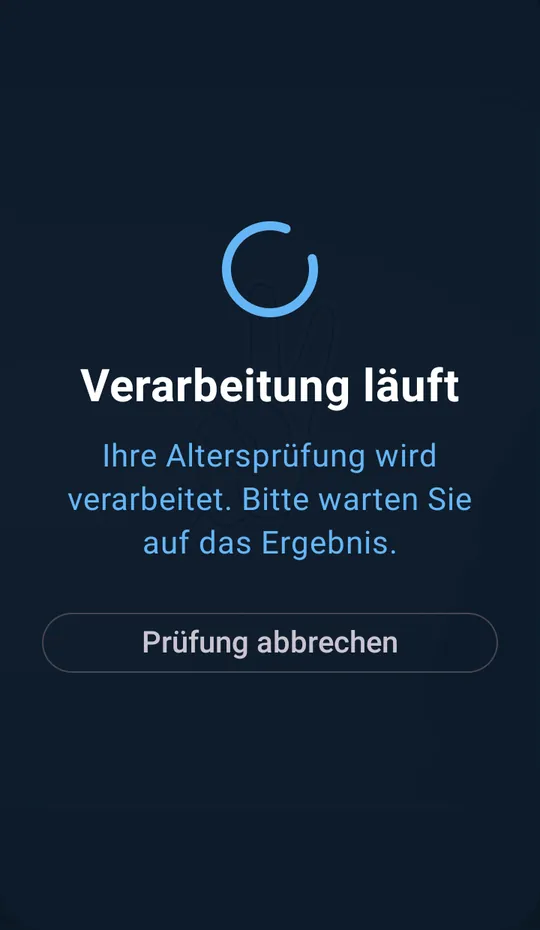
The image is processed while the customer waits briefly for the result.
Age verification is successful, and the terminal confirms it to the customer right on the display.
Now the customer pays at the same terminal, and the machine dispenses the product.
Girocard. Tap your card.
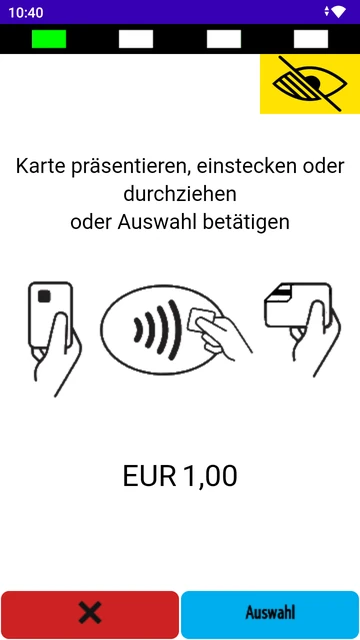
The customer’s age is checked in seconds using the age-verification feature of the German Girocard. They simply tap their card on the terminal.
The customer chooses Girocard as proof of age on the terminal.
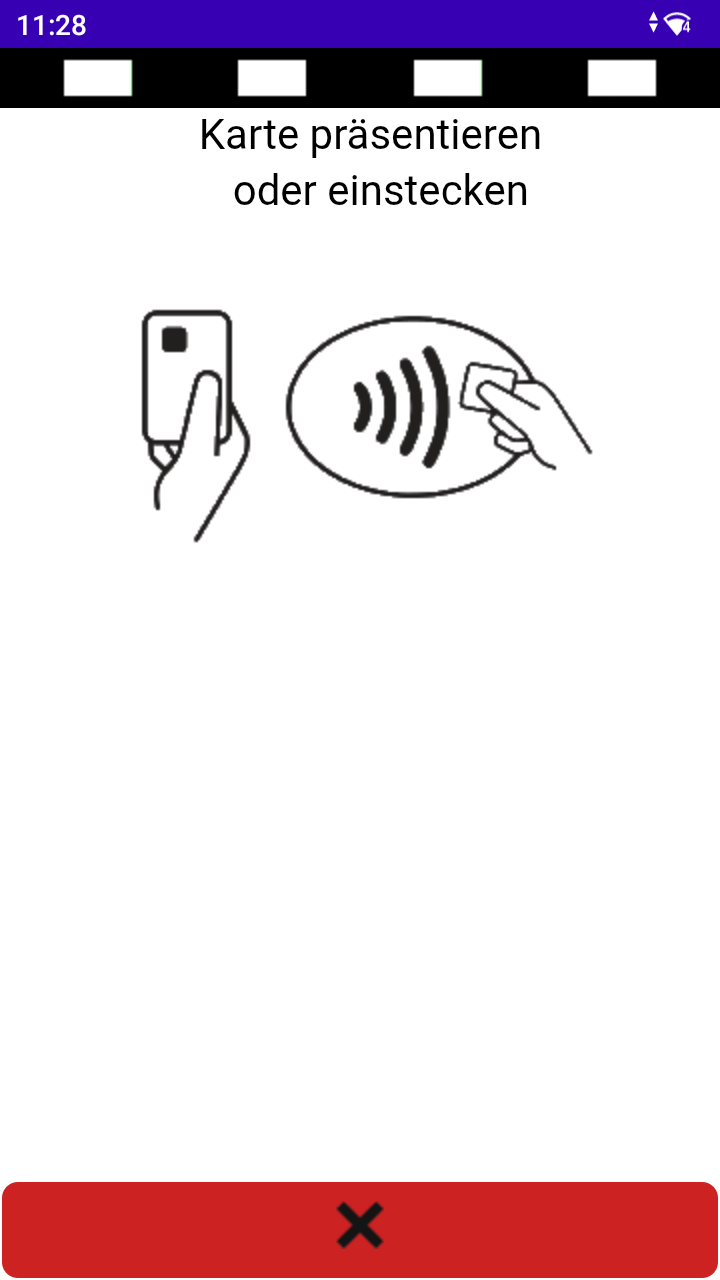
The customer taps their Girocard on the terminal, which reads the card’s age-verification feature.
Age verification is successful, and the terminal confirms it to the customer right on the display.
Now the customer pays at the same terminal, and the machine dispenses the product.
Video: Girocard / Bankomatkarte on the SENVEND Payment TerminalClicking loads the video from YouTube.
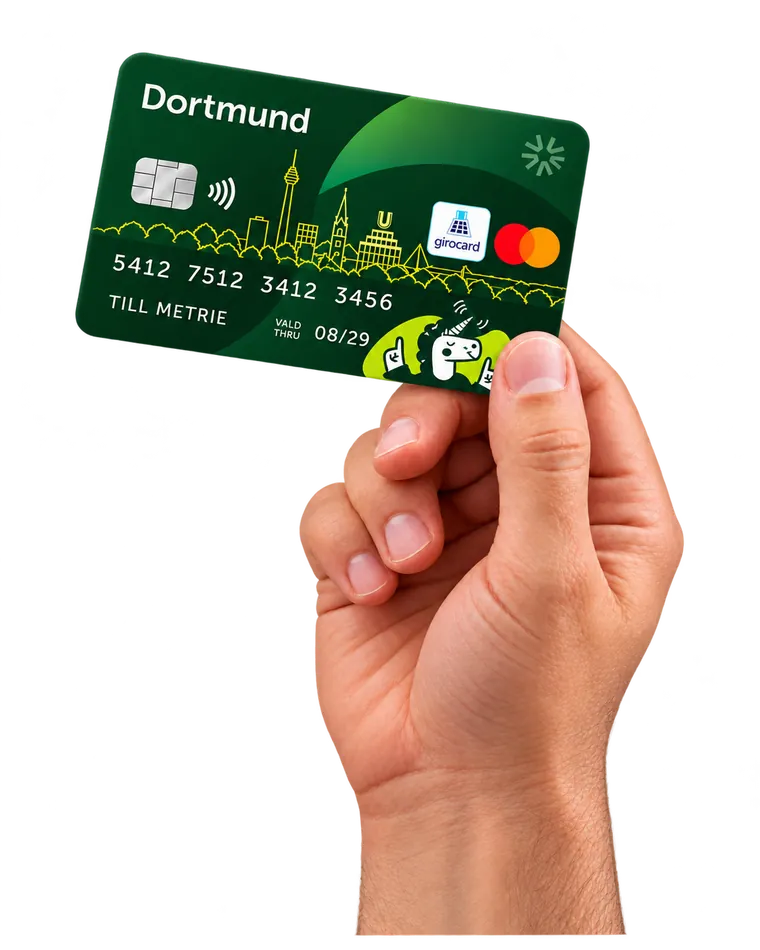
Bankomatkarte. As usual.
The standard at vending machines in Austria: the customer taps their Bankomatkarte on the terminal, and the age is verified in seconds.
The customer chooses Bankomatkarte as proof of age on the terminal.
The customer taps their Bankomatkarte on the terminal, and the age check runs through the Austrian Bankomatkarte system.
Age verification is successful, and the terminal confirms it to the customer right on the display.
Now the customer pays at the same terminal, and the machine dispenses the product.
The video shows the Girocard. It works exactly the same with the Bankomatkarte.
Video: Girocard / Bankomatkarte on the SENVEND Payment TerminalClicking loads the video from YouTube.
Document scan. Almost any document.
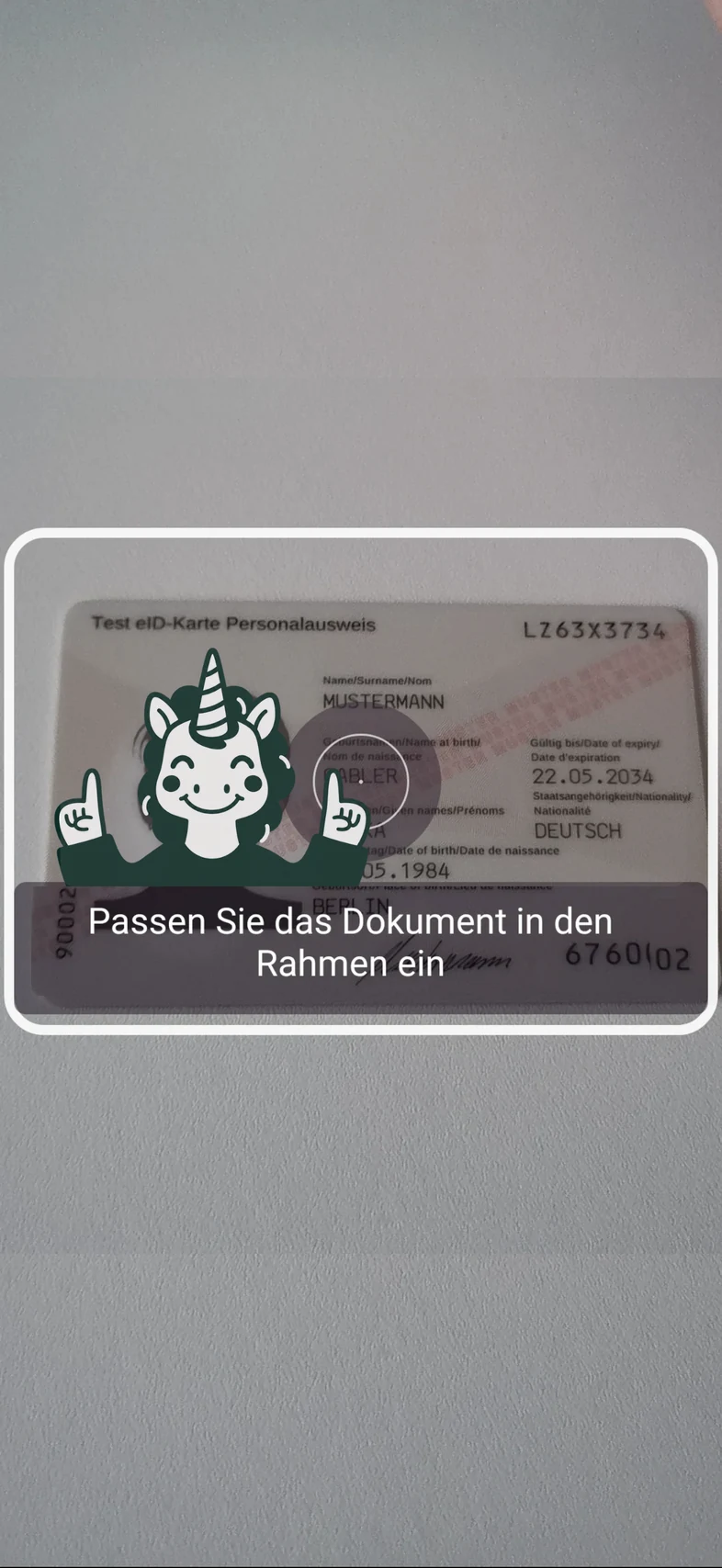
The customer scans a QR code on the terminal and records a video of their ID with their phone camera. Almost any ID document in the world is recognized and checked for authenticity using several features, such as holograms.
The customer chooses document scan on the terminal.
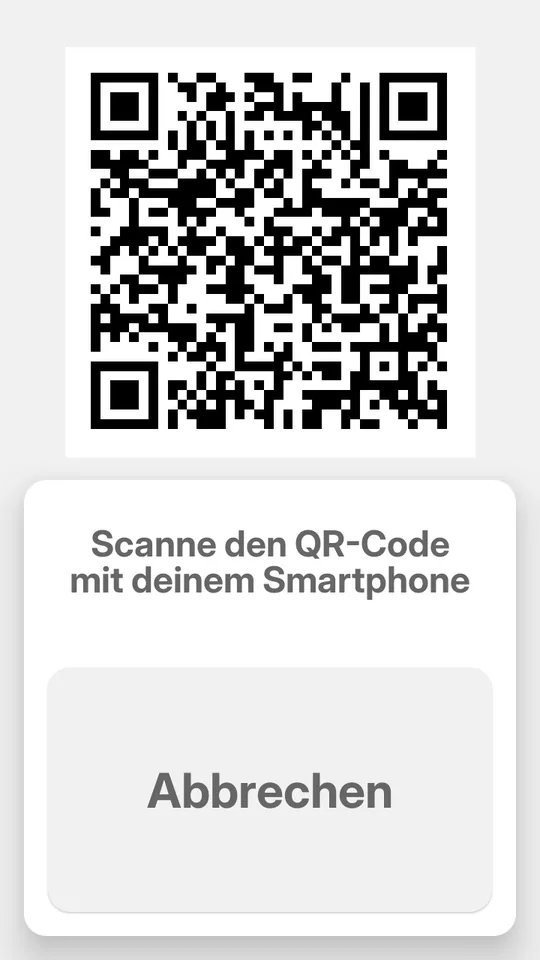
They scan the QR code on the terminal with their smartphone.
Using their smartphone camera, customers record a short video of their ID card or driver’s license. The system checks its authenticity and reads the date of birth.
Age verification is successful, and the terminal confirms it to the customer right on the display.
Now the customer pays at the same terminal, and the machine dispenses the product.
Video: Document scan on the SENVEND Payment TerminalClicking loads the video from YouTube.
PayPal. Just your phone.
No ID at hand? The customer scans a QR code on the terminal and confirms their age in the PayPal app, with PIN or Face ID.
The customer chooses PayPal on the terminal.
They scan the QR code on the terminal with their smartphone.
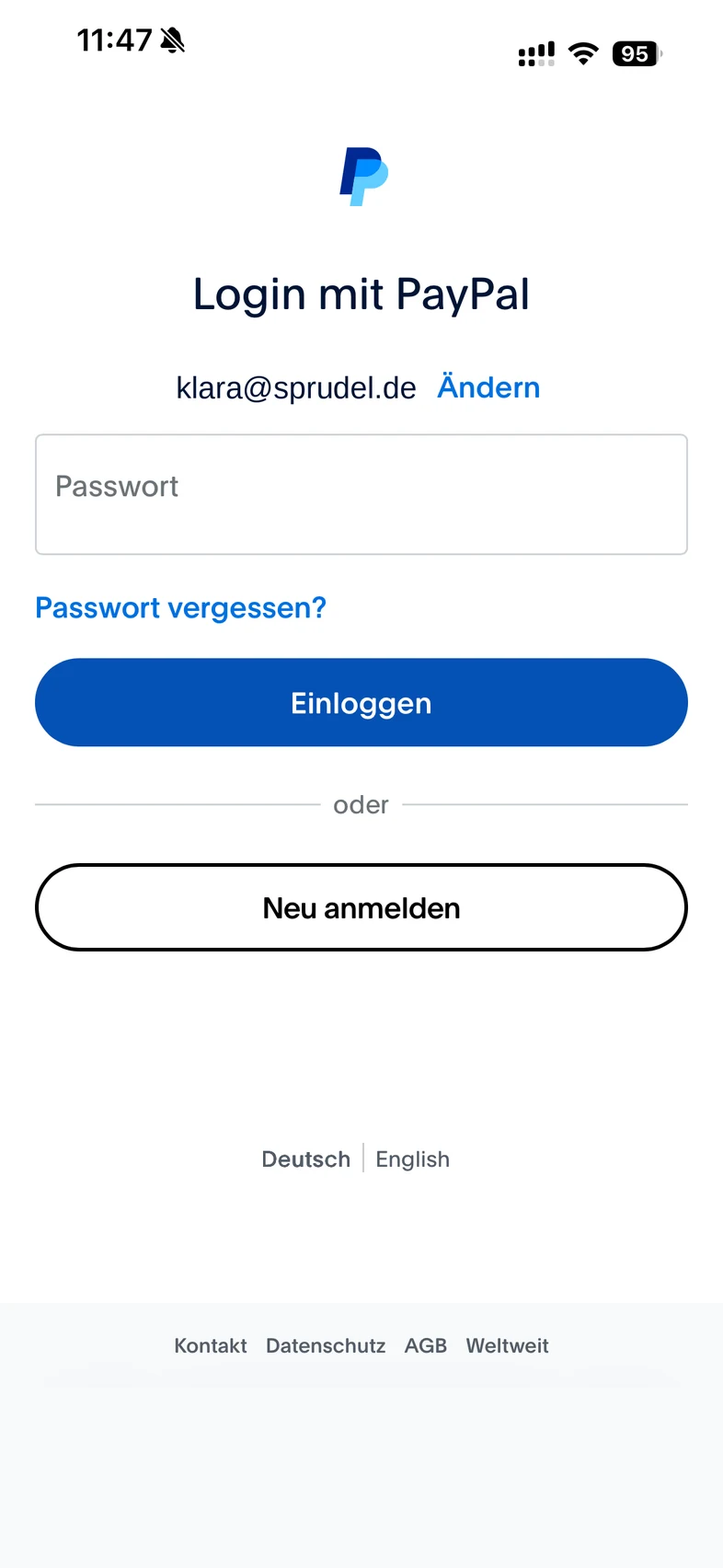
They log in to their PayPal account, and the verified age from their account is used.
Age verification is successful, and the terminal confirms it to the customer right on the display.
Now the customer pays at the same terminal, and the machine dispenses the product.
Video: PayPal / ID Austria on the SENVEND Payment TerminalClicking loads the video from YouTube.
ID Austria. ID in the app.
Austria’s digital ID: customers scan a QR code on the terminal and confirm their age in the ID Austria app, with PIN or Face ID.
The customer chooses ID Austria on the terminal.
They scan the QR code on the terminal with their smartphone.
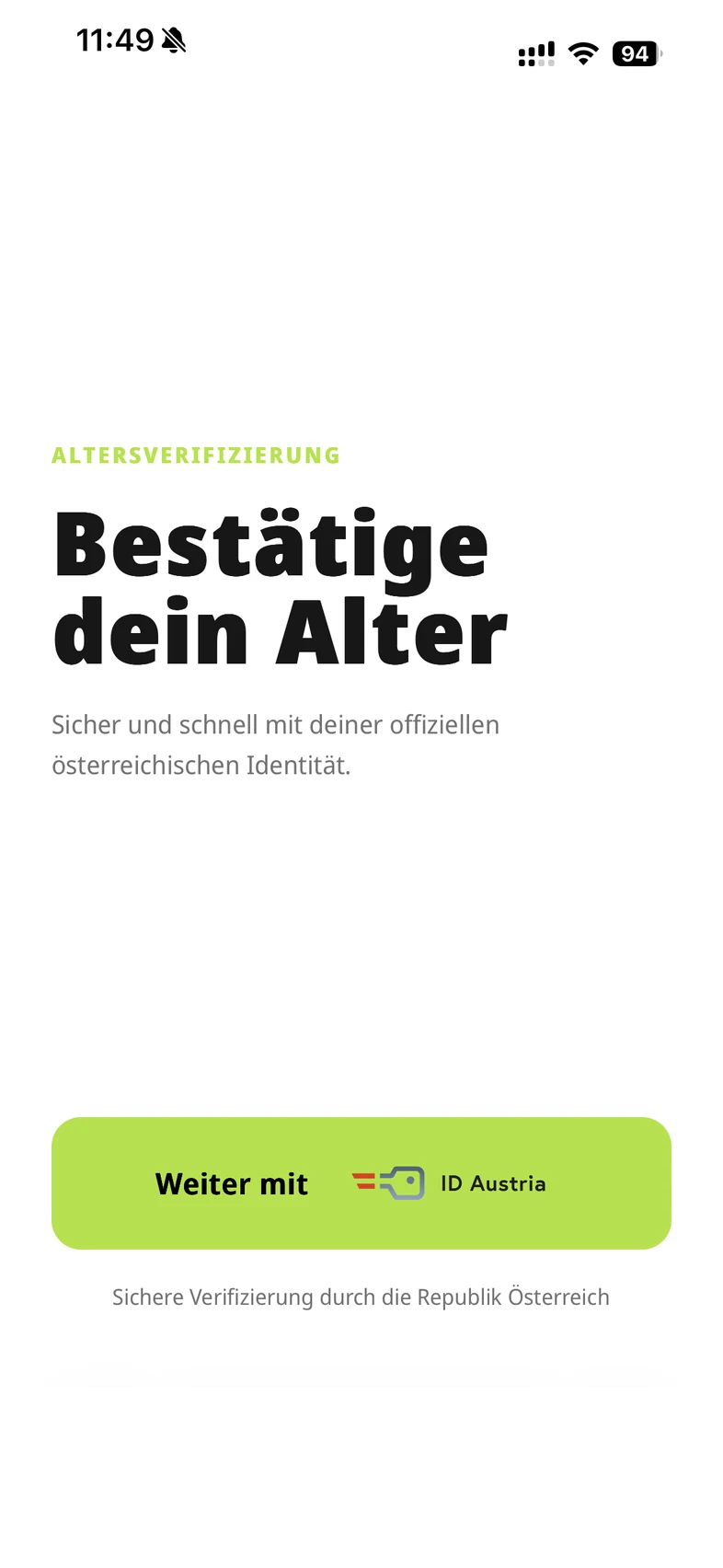
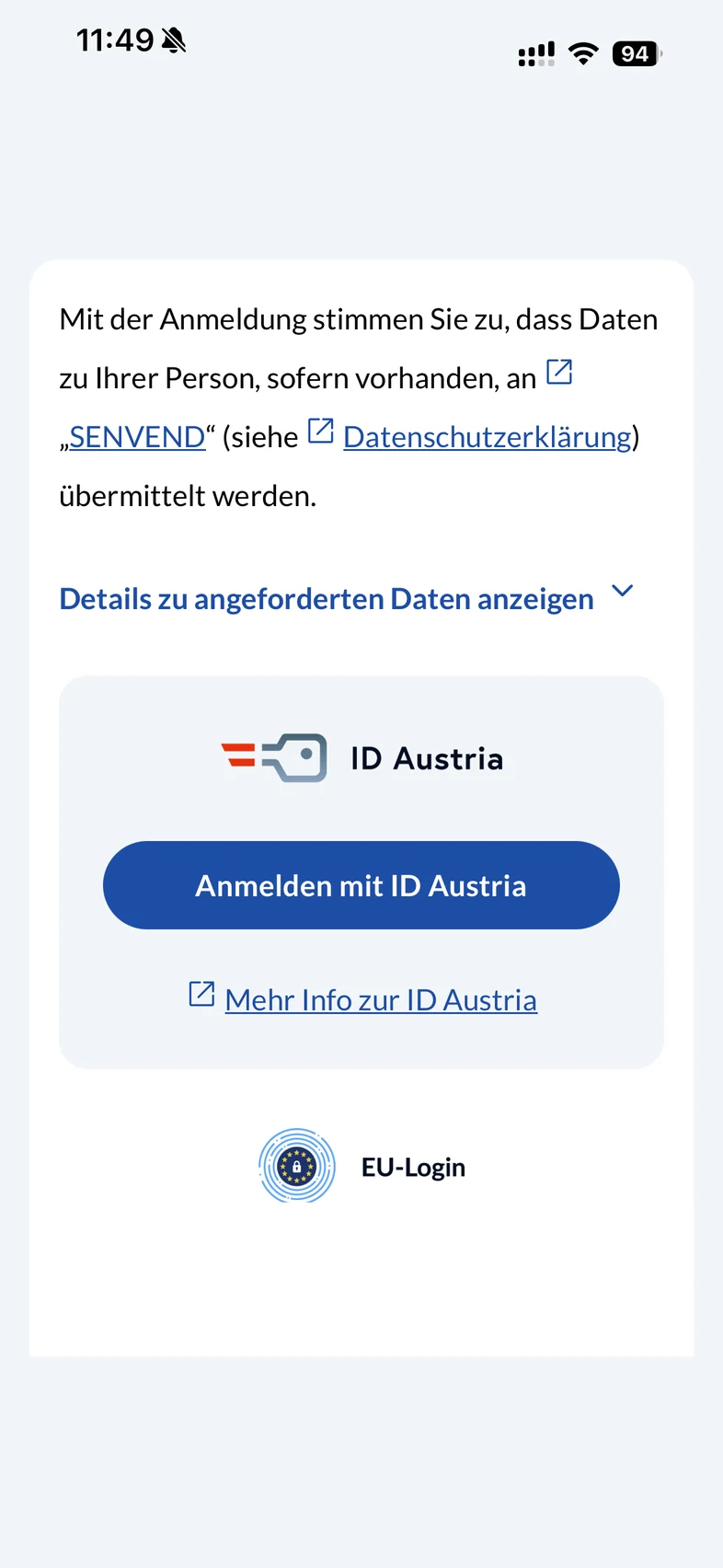
They confirm their age with their Austrian digital identity, in the app with PIN or Face ID.
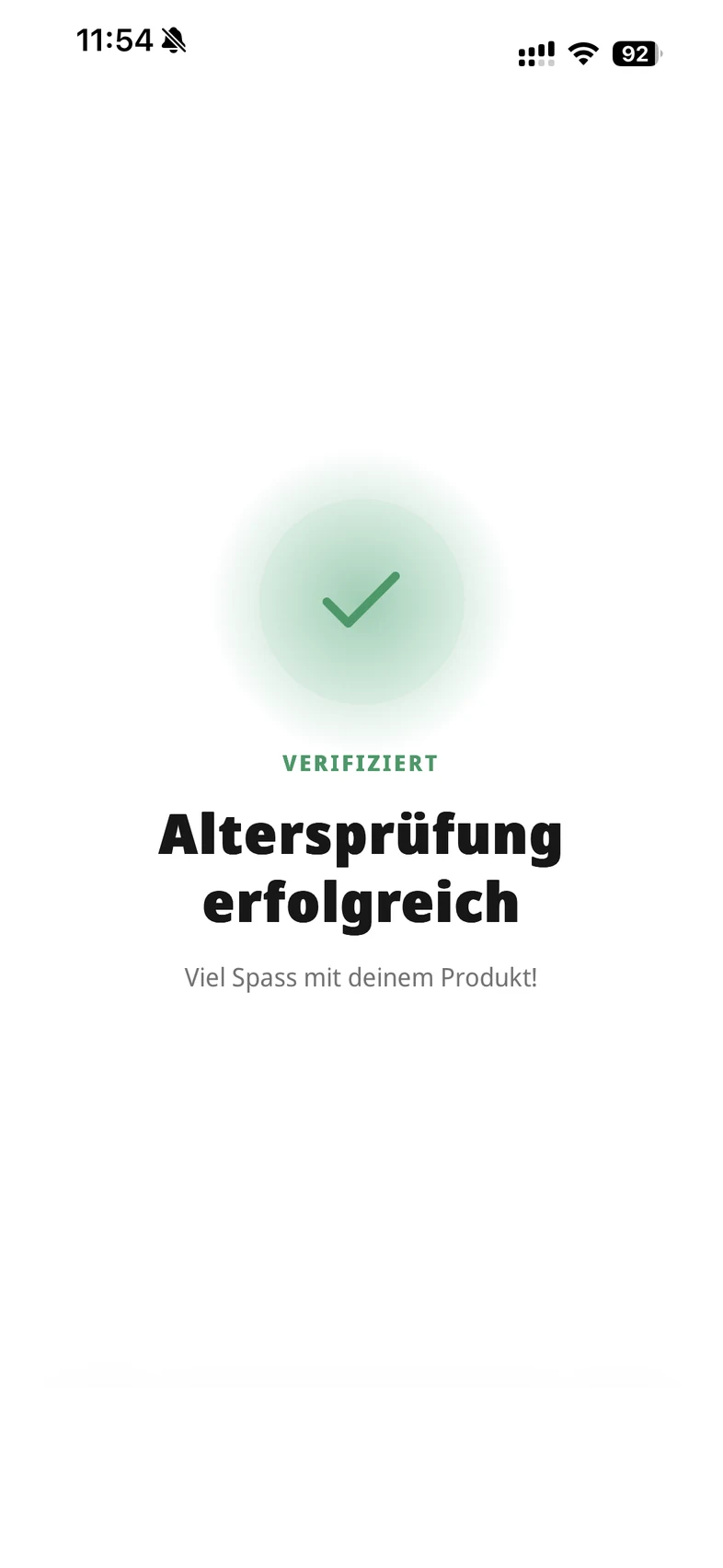
Age verification is successful, and the terminal confirms it to the customer right on the display.
Now the customer pays at the same terminal, and the machine dispenses the product.
The video shows the process with PayPal. ID Austria works the same way, only the confirmation happens in the ID Austria app.
Video: PayPal / ID Austria on the SENVEND Payment TerminalClicking loads the video from YouTube.
Face scan mobile. On the customer’s phone.
Customers complete the face scan on their own smartphone – no ID or card needed. This is especially useful when the vending machine’s camera reaches its limits, for example in strong backlight.
The customer selects the face scan mobile option on the terminal.
They scan the QR code on the terminal with their smartphone.
The face scan runs on the customer’s smartphone, and the result is sent directly to the terminal.
Age verification is successful, and the terminal confirms it to the customer right on the display.
Now the customer pays at the same terminal, and the machine dispenses the product.

Document scanner. Just place your ID.
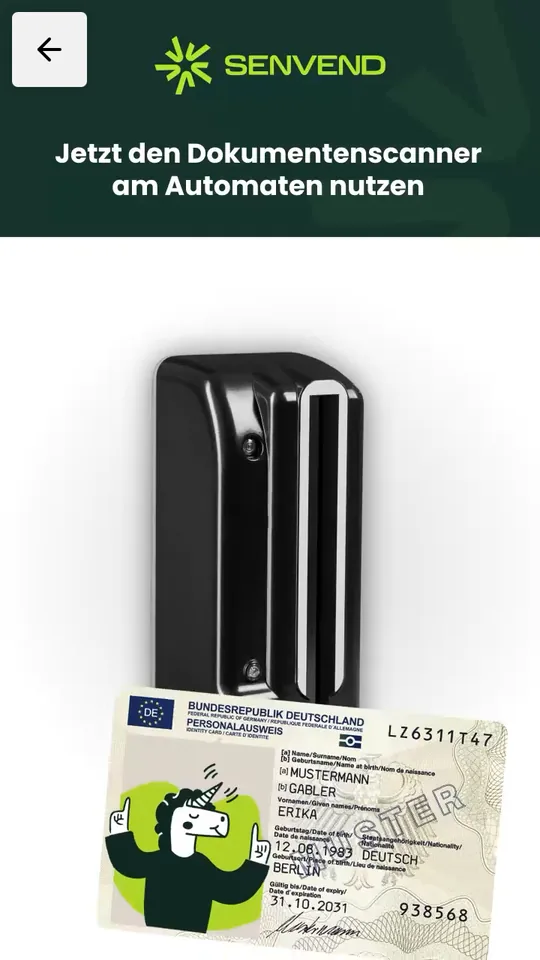
Customers place their ID on our document scanner at the machine. A video on the terminal shows them how. You can get the document scanner from a reseller.
The customer chooses document scanner on the terminal.
The terminal shows how to place the ID on the scanner. The date of birth is read.
Age verification is successful, and the terminal confirms it to the customer right on the display.
Now the customer pays at the same terminal, and the machine dispenses the product.
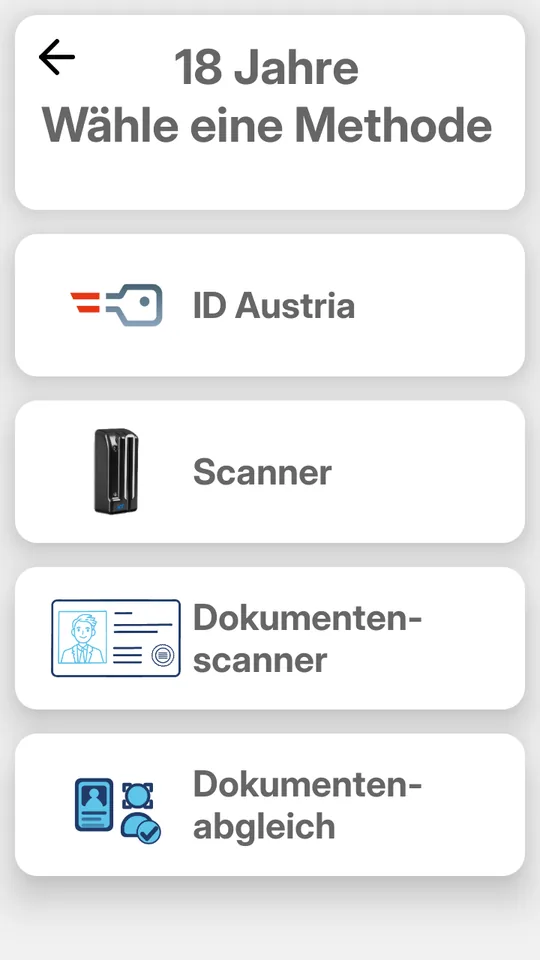
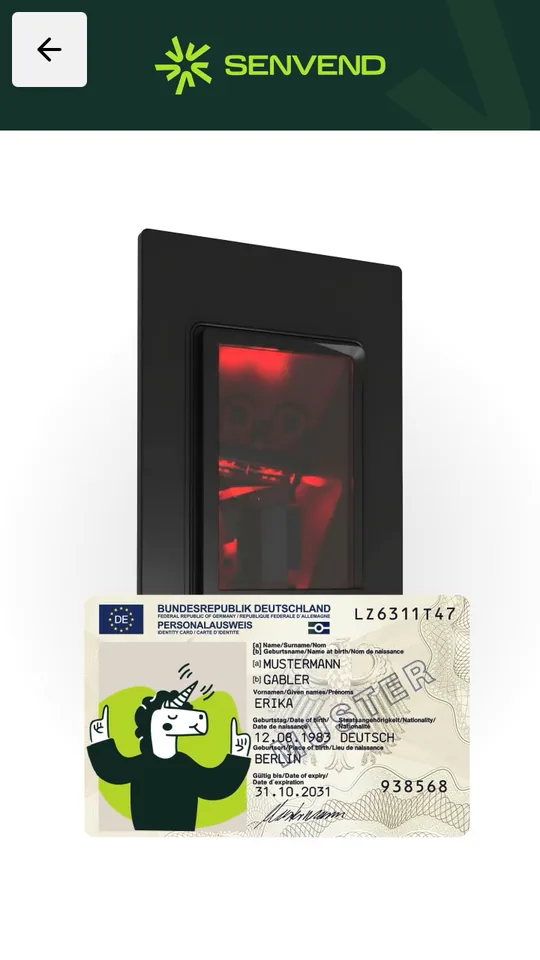
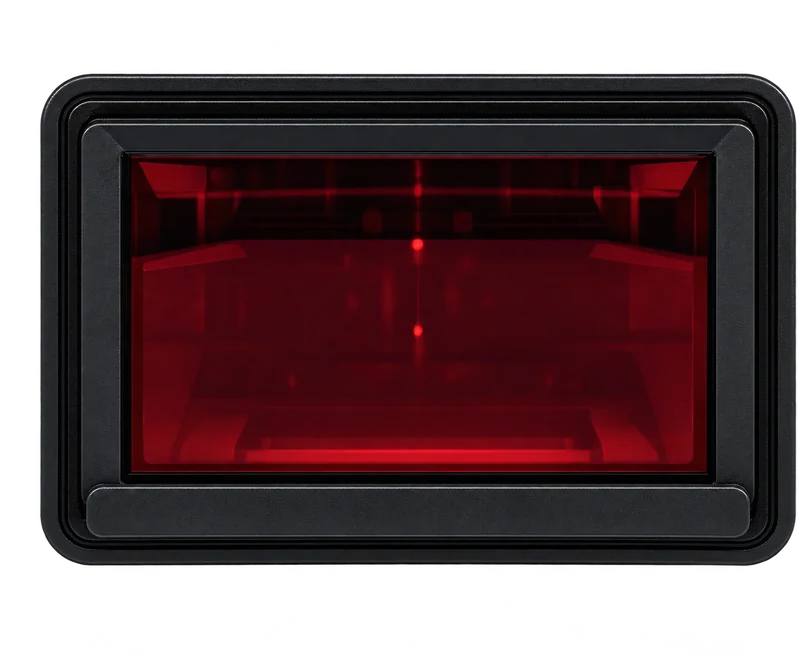
Face match. Compare face and ID.
The customer places their ID document on the document scanner at the vending machine. Their face is then compared with the photo on the ID to verify that the document belongs to them.
The customer selects the face match option on the terminal. In the terminal interface, this method is labeled “Document Match.”
They place their ID on the document scanner, and the data is read.
They position their face within the frame shown on the terminal screen, and it is compared with the ID photo.
Age verification is successful, and the terminal confirms it to the customer right on the display.
Now the customer pays at the same terminal, and the machine dispenses the product.
Video: Face match on the SENVEND Payment TerminalClicking loads the video from YouTube.

DCM5 instructions. Guidance on the terminal.
For vending machines with a third-party DCM5 document reader, the terminal plays a short video so customers get it right the first time.
The customer selects the DCM5 option on the terminal. In the terminal interface, this method is labeled “Scanner.”
The terminal plays a short video showing how to insert an ID into the DCM5 reader.
The customer inserts their ID into the DCM5 at the machine, and the date of birth is read.
Age verification is successful, and the terminal confirms it to the customer right on the display.
Now the customer pays at the same terminal, and the machine dispenses the product.
Video: DCM5 instructions on the SENVEND Payment TerminalClicking loads the video from YouTube.
SENVEND Ecosystem
It all comes together.
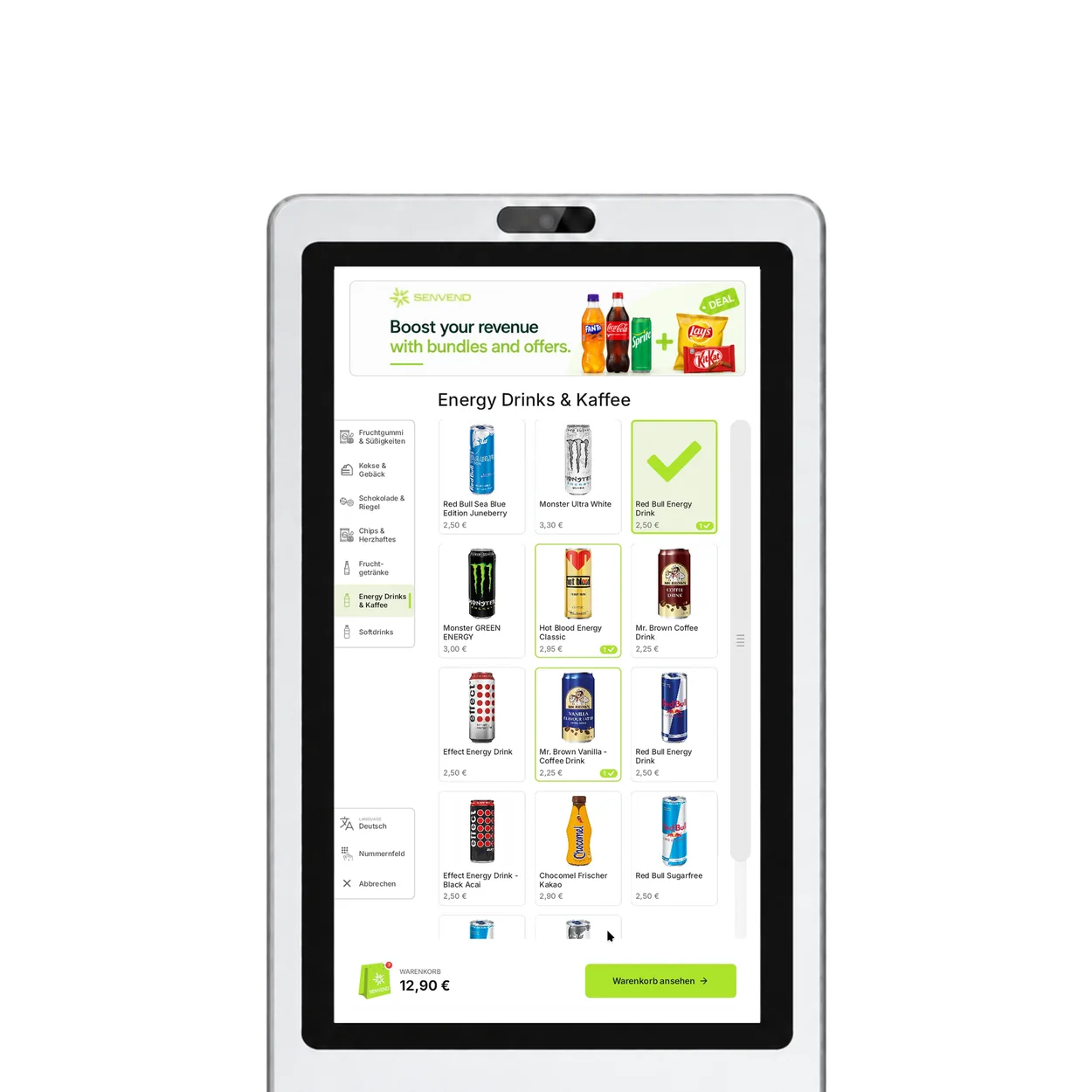
Age verification is part of the SENVEND Ecosystem: customers verify their age and pay in one seamless process at the SENVEND Payment Terminal. With Storefront, they can add age-restricted products to their cart, while you manage age limits in my.SENVEND.
Payment
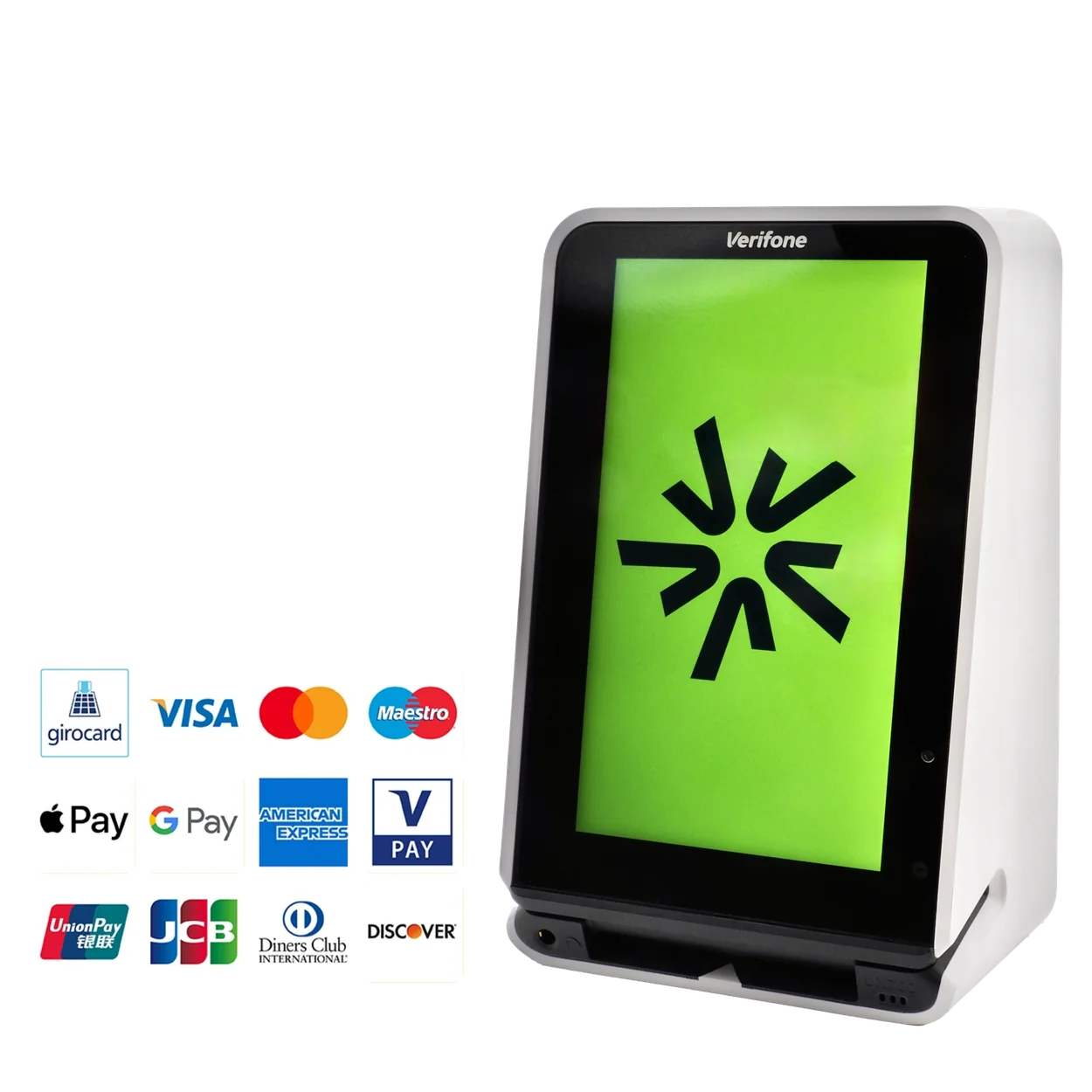
- Tap to pay with card or phone
- PIN-on-Glass
- Daily Girocard payouts
Age Verification
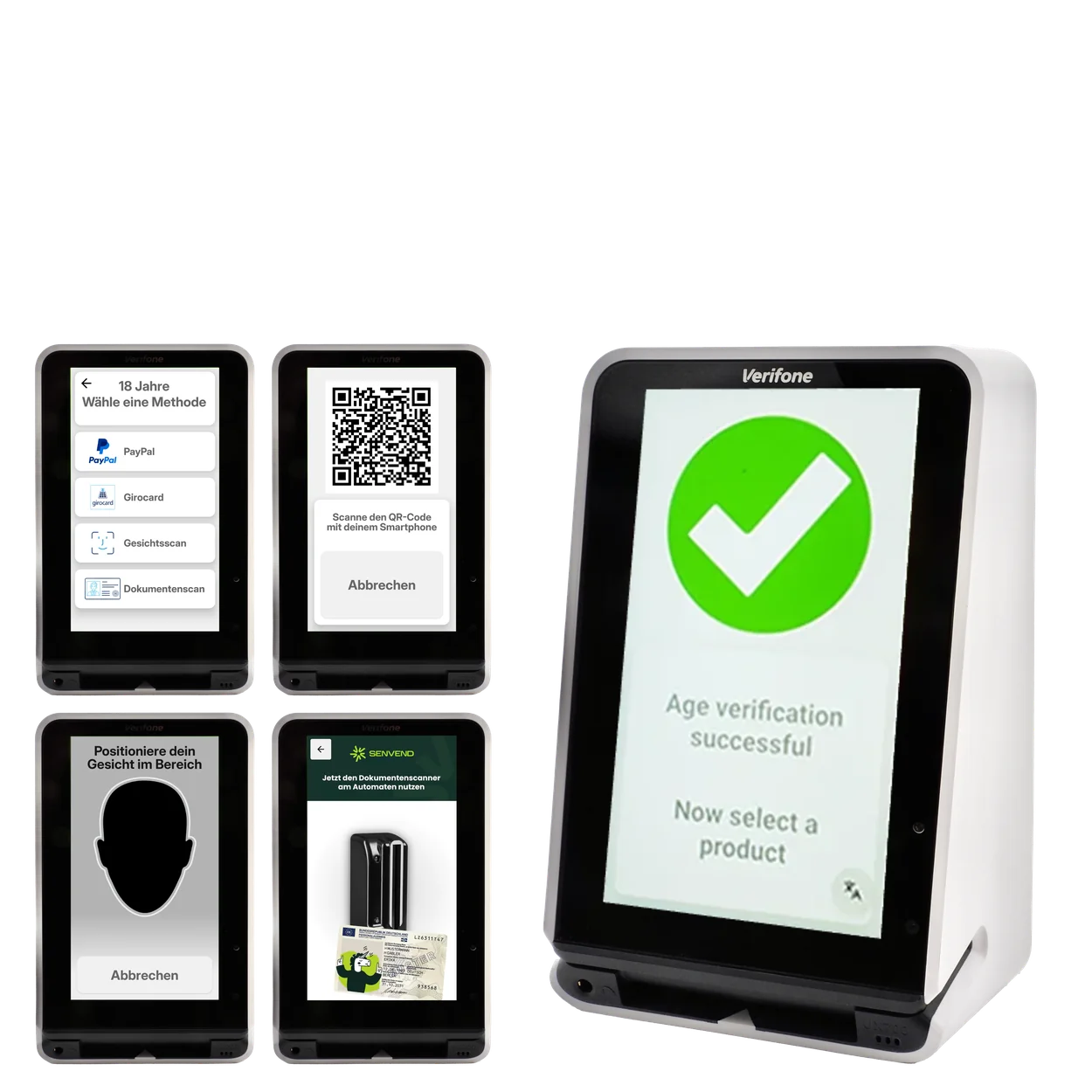
- Multiple ways to verify age
- Age limit per product category
- Built into checkout
Telemetry
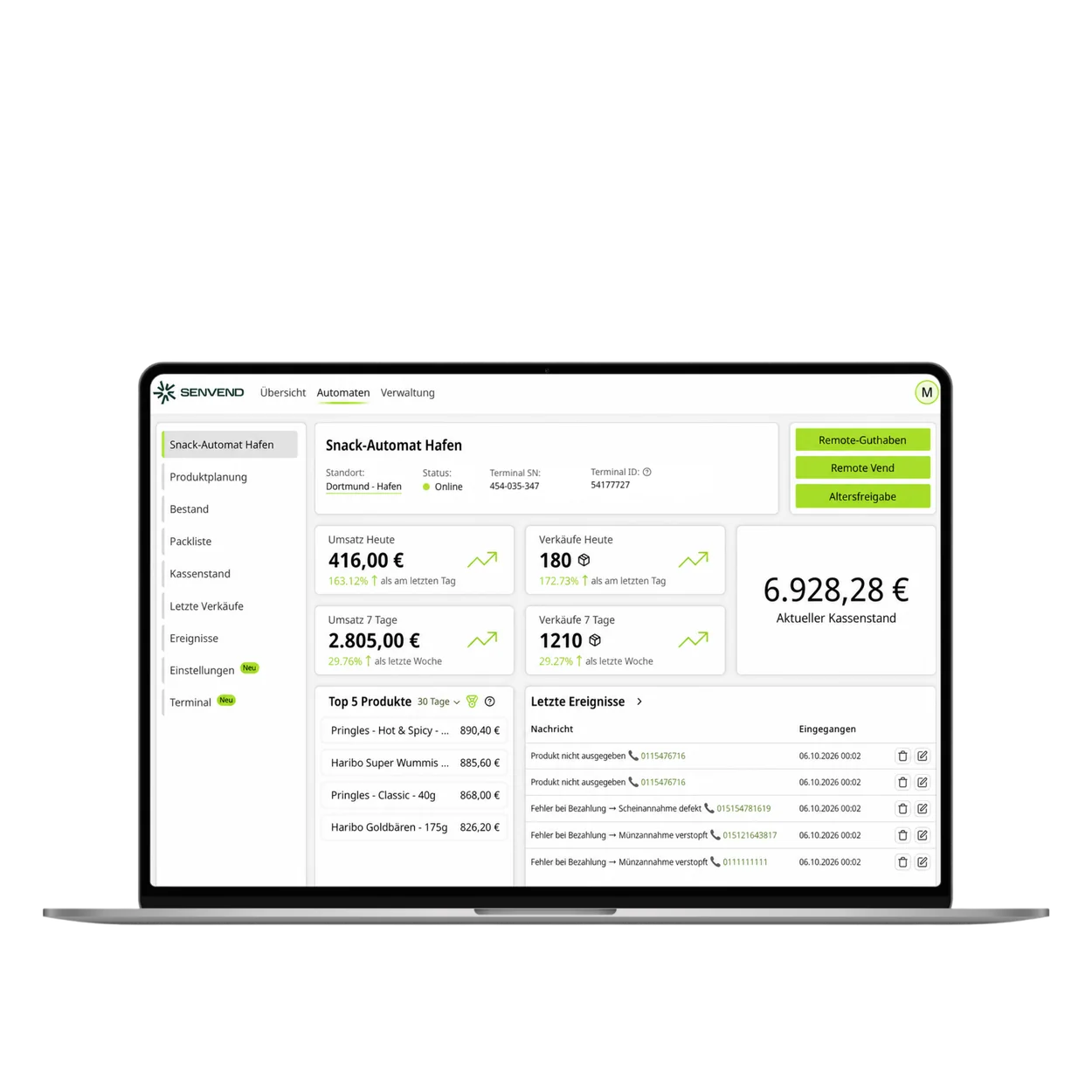
- Live sales & stock levels
- Manage settings remotely
- Tax-compliant accounting
Storefront
- Cart for multiple products
- Bundles, deals & banners
- No extra display needed
FAQ
Age verification in a nutshell.
How does SENVEND help you comply with legal age verification requirements?
The SENVEND Payment Terminal integrates age verification directly into the vending machine checkout process. Age limits and verification methods can be configured to meet specific requirements. The applicable legal regulations depend on the country, product and machine location.
Do I need additional hardware?
Not for most methods: they work with the SENVEND Payment Terminal alone. The document scanner and face match methods require our additional scanner at the machine, available from a reseller near you. If your machine already has a DCM5 document reader installed, the terminal explains it in a video.
Can I set different age limits for different products?
Yes. In my.SENVEND, you assign each product to a category with an age restriction. The category determines the minimum age. When customers select an age-restricted product, the vending machine prompts them to verify their age at the terminal.
Are international IDs accepted?
Yes. Document scan can verify almost any ID document in the world. For customers from Austria, Bankomatkarte and ID Austria are also available.
Is the age verification privacy-compliant?
Yes. We don’t store any customer data and process all data on European servers. The customer enables the camera themselves.
Can I try out age verification?
Our packages can be canceled monthly. You can activate age verification and cancel it at the end of any month.
Age verified. Keep sales moving.
Already a customer?
Add Age Verification, set age limits and manage all your machines.
Go to my.SENVENDThe right hardware? Get it from a reseller.
Buy your hardware from one of our resellers – expert advice included.